About Intune Integration
The Intune feature in Master Packager Toolbox helps you prepare and upload packages to Microsoft Intune faster. Based on internal testing with larger packages, uploads through Master Packager Toolbox can be multiple times faster than uploads through the Microsoft Intune portal. This is possible because the workflow automates repeated steps and uses Microsoft Graph APIs.
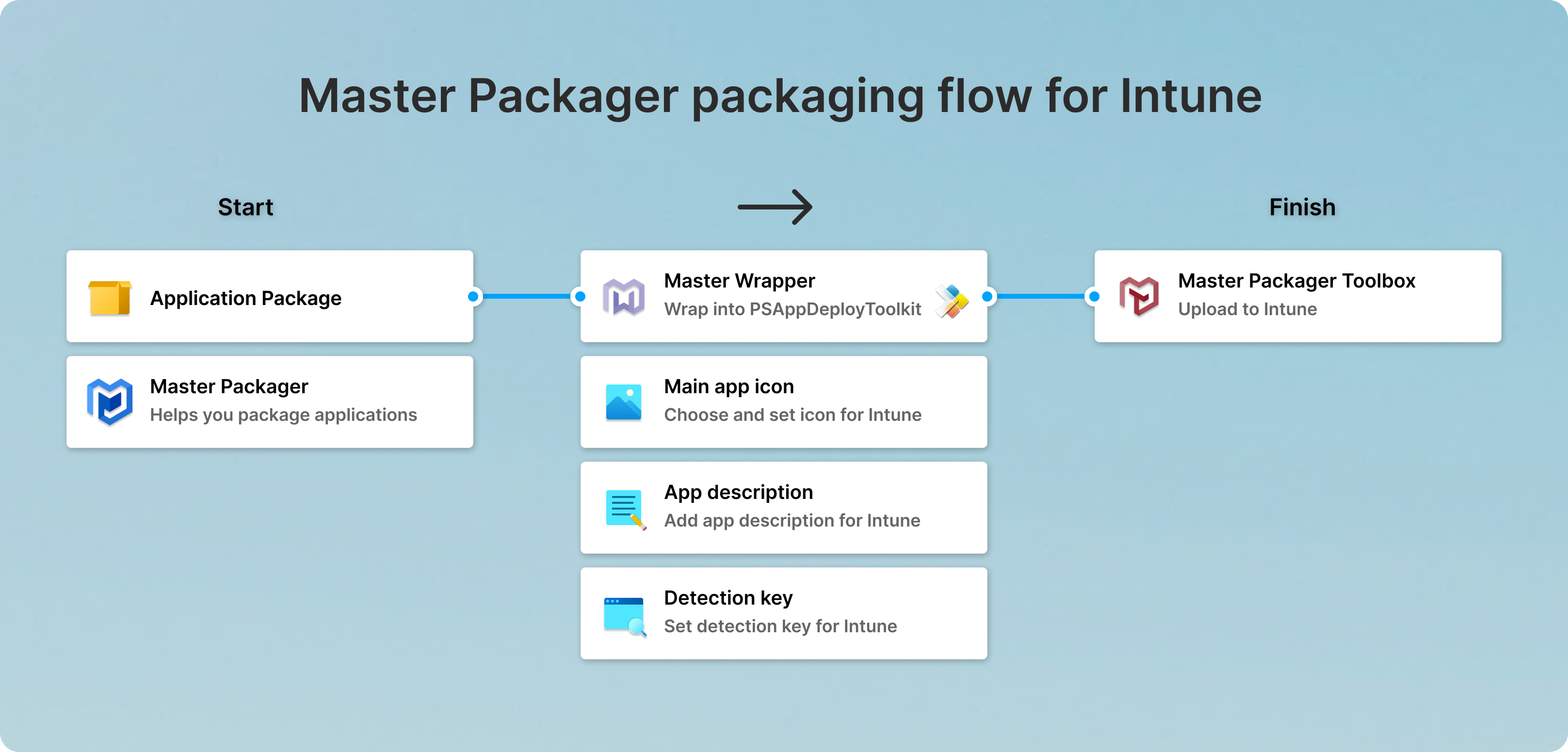
This packaging flow is designed to be standardized, reliable, and fast.
Benefits
- Standardized process
PSAppDeployToolkit (PSADT) helps standardize packaging and deployment steps. - Clear responsibilities
The flow separates responsibilities between application packagers and deployment engineers. In a typical Intune deployment process, engineers often need to collect metadata like icons, descriptions, and detection rules. In this workflow, packagers define those items during packaging, making handoff cleaner and more predictable. - Time savings
Using Master Wrapper together with Master Packager Toolbox reduces manual effort and speeds up uploads to Intune.
Master Packager packaging flow for Intune
- Use Master Packager to package the application. Ensure it supports silent installation and has the required end-user configuration.
- Use Master Wrapper to wrap the package with PSAppDeployToolkit. In this step, set the main app icon, app description, and detection rules.
- Use Master Packager Toolbox to upload the prepared package to Intune.