Advanced Editor
The Advanced Editor provides a structured way to review and modify the most common parts of an MSI or MST package without working directly in raw MSI tables.
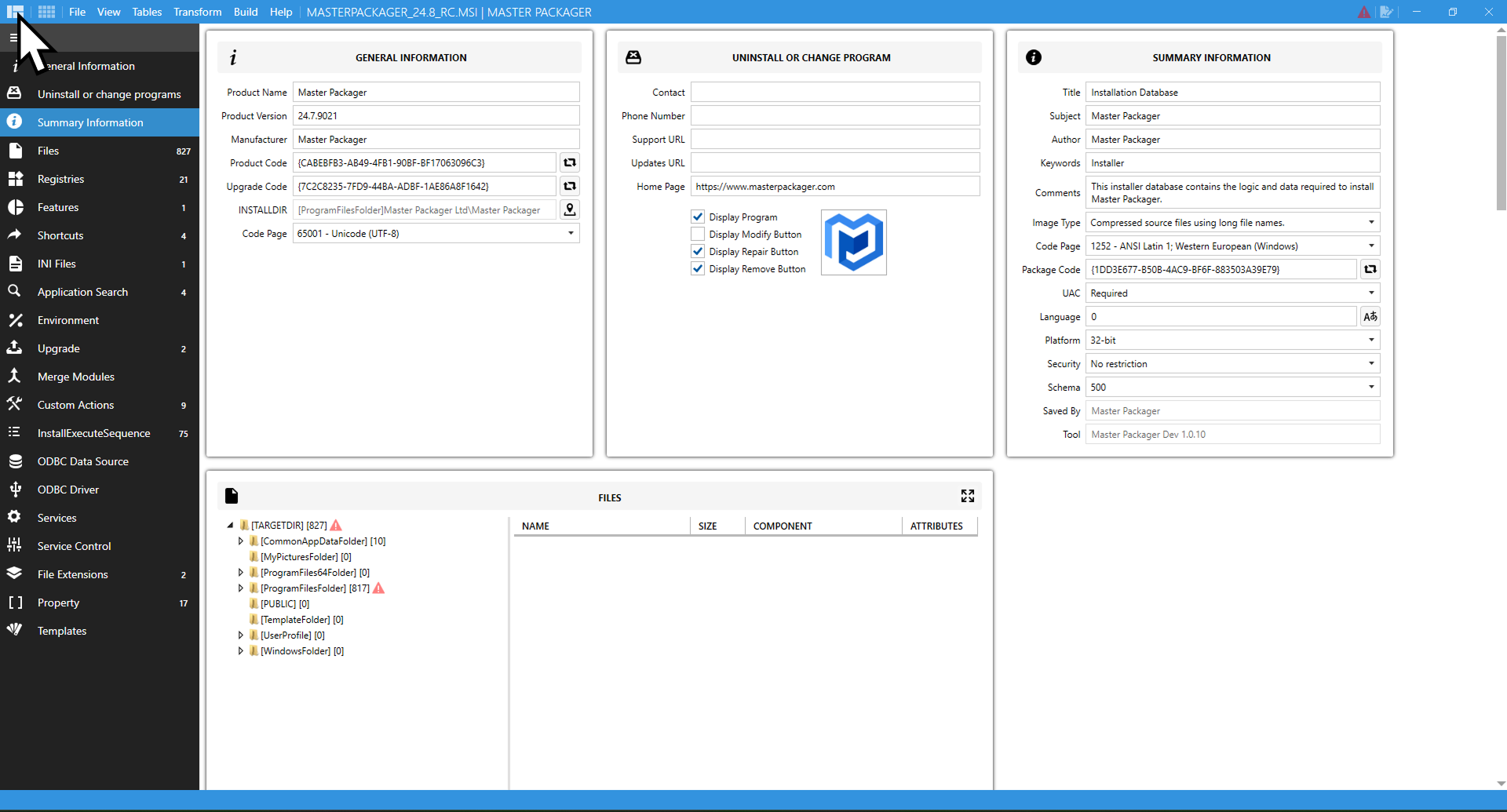
What you can manage
- General Information — edit product identity, versioning, and installation defaults.
- Files — add, update, extract, and rebuild packaged files and
CABcontent. - Registries — import
.regfiles or create registry keys and values manually. - Features — review the feature and component structure of the package.
- Shortcuts — configure standard and advertised shortcuts.
- Environment Variables — create or update system or user variables.
- Services and Service Control — install, configure, start, stop, or remove Windows services.
- Custom Actions — add scripts, executables, and MSI internal actions to extend installer behavior.
- Application Search — detect files, registries, or directories and store results in MSI properties.
When to use Advanced Editor
Use the Advanced Editor when you want to make common installer changes through focused views instead of editing raw rows in the Table Editor. For low-level or unsupported MSI data, switch to the Table Editor.