INI Files
The INI Files view shows all INI file entries stored in the IniFile table. INI files are a special Windows OS file type.
Add an INI file
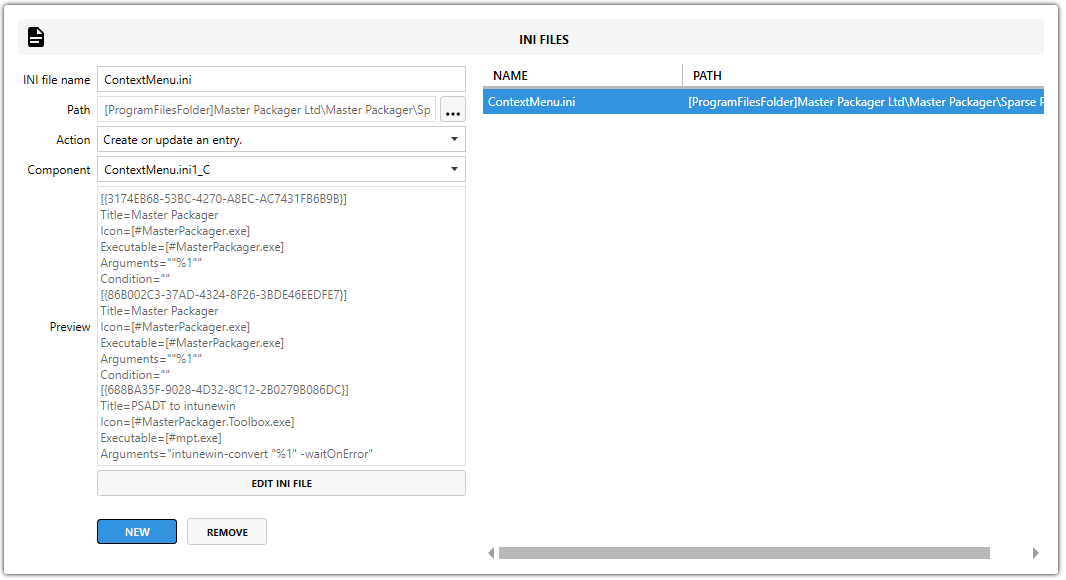
Open the editing flyout, complete the required fields, and select Add.
Fields
| Field | Description |
|---|---|
| INI File Name | Select NEW and enter the file name. Include the .ini extension. Other file extensions are also supported. |
| INI File Path | Sets where the file is installed. |
| INI File Action | Defines how the INI file entry is installed. |
| INI File Component | Defines which component installs the INI file. Every INI file must belong to a component. |
note
Using the IniFile table lets you update specific entries without overwriting the entire file.

| Action | Description |
|---|---|
Create or update entry | Creates new entries or updates existing ones without replacing the full file. |
Create an entry if does not already exist | Adds the entry only if it does not already exist. |
Create or append to comma-separated | Appends values to an existing comma-separated list. |
Edit INI file content
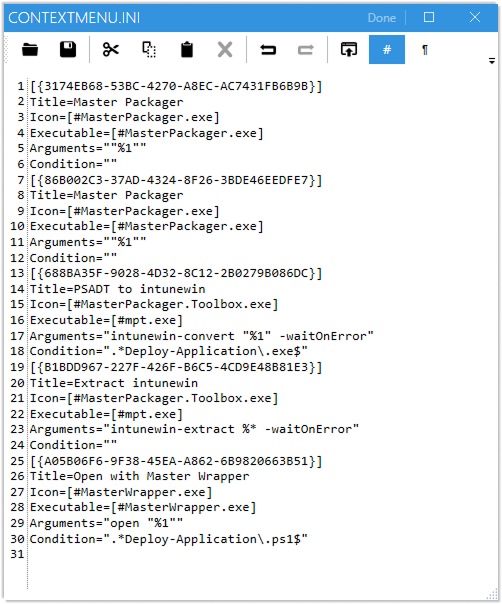
- Select Edit INI file.
- Add sections such as
[SectionName]. - Add or modify key-value pairs such as
Key=Value. - Use
MSIproperties such as[PROPERTY_NAME]when you need dynamic values or paths. - Select Done to save the content.
If the INI structure is invalid, Master Packager shows an error that identifies what must be fixed.