Install MSIX Package
Use this predefined action to install an MSIX package for all users during an MSI installation.
It is useful when you need to deploy a modern Windows application together with a traditional MSI package.
warning
Make sure the MSIX package is signed with a trusted certificate. Windows security policies can block unsigned or improperly signed packages.
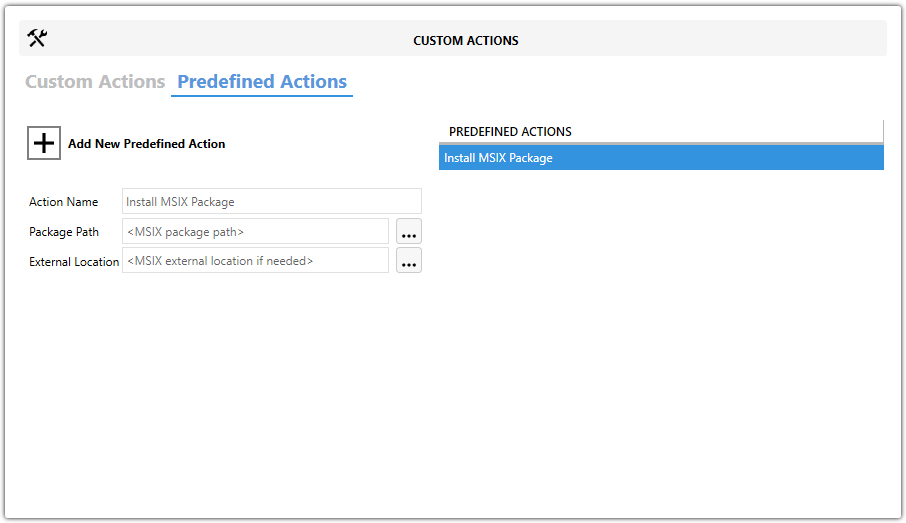
Fields
| Field | Description |
|---|---|
| Action Name | Identifies this predefined action when the project contains multiple custom actions. |
| Package Path | Specifies the local path to the .msix package. Use the browse button to select the file. |
| External Location | Optionally specifies a network or internet location when the package is stored outside the MSI. |
Steps
- Open the
MSIorMSTin Master Packager. - In the left pane, select Custom Actions.
- Open the Predefined Actions tab.
- Click Add New Predefined Action and select Install MSIX Package.
- Enter a value in Action Name.
- Set Package Path to the
MSIXfile. - If the package is stored outside the
MSI, enter External Location.
tip
Pair this action with Uninstall MSIX Package if the package should also be removed during uninstall.