Registries
The Registries view shows all registry entries in the MSI and lets you add or modify them.
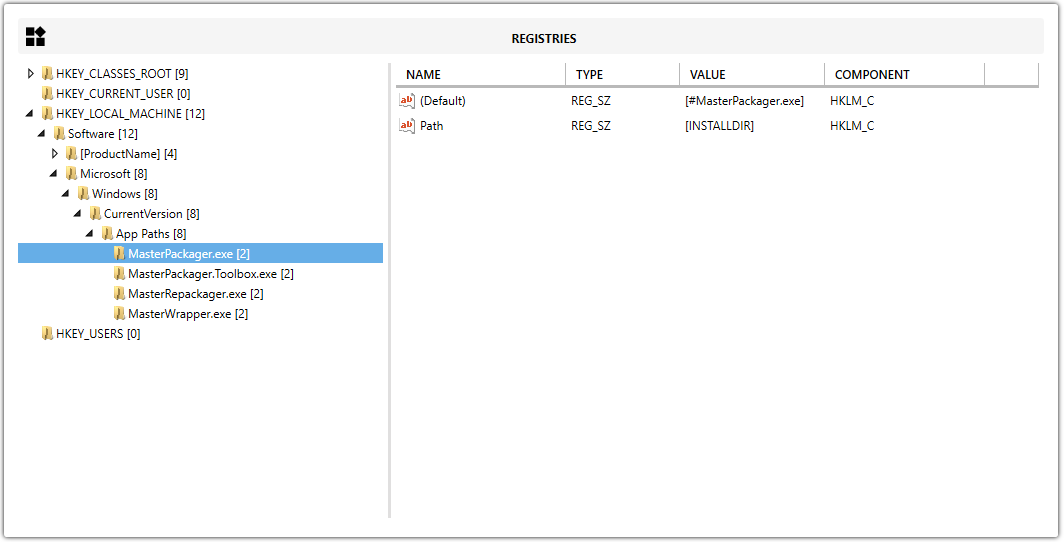
Add registry data
You can add registry content in two ways:
- Drag and drop a
.regfile into the Registries view. - Right-click a registry key and select New Key or Import Registry.
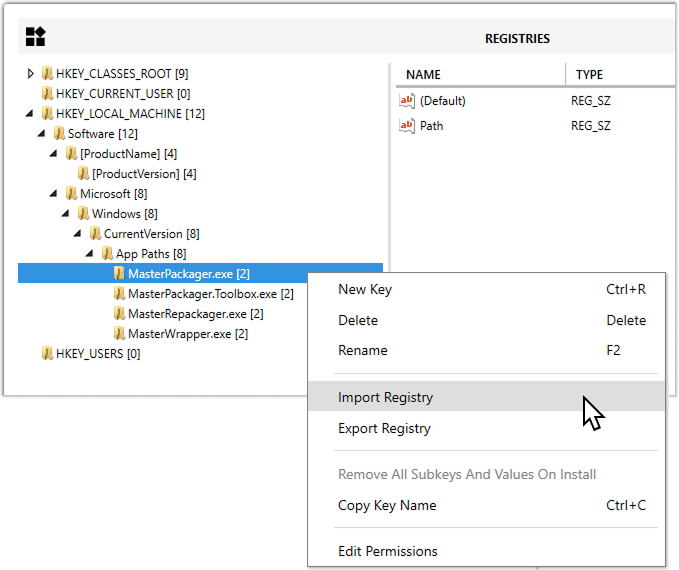
Use this view to review imported registry data, create keys manually, or update existing values without opening the raw Registry table.