Service Control
The Service Control view shows the service control entries included in the MSI and lets you start, stop, or delete Windows services during installation, uninstallation, or repair.
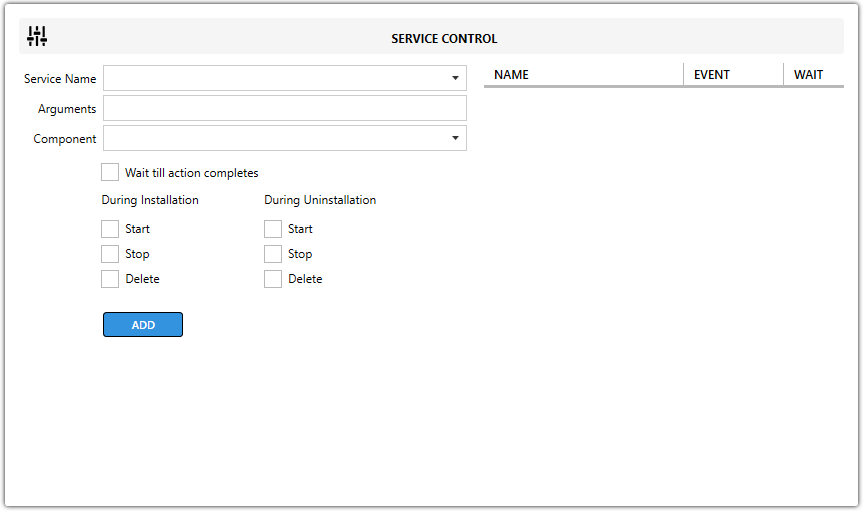
Fields
| Field | Description |
|---|---|
| Service Name | Specifies the name of the service to control. |
| Arguments | Sets optional command-line arguments passed when starting the service. |
| Component | Defines the component associated with the service control action. |
| Wait till action completes | Makes the installer wait until the service action finishes before continuing. |
Actions by phase
| Phase | Available actions |
|---|---|
| During Installation | Start, Stop, Delete |
| During Uninstallation | Start, Stop, Delete |
note
A common use case is stopping a service before replacing its files during an upgrade or deleting the service during uninstall.