Uninstall or Change Program
The Uninstall or Change Program view controls how the MSI appears in Add/Remove Programs.
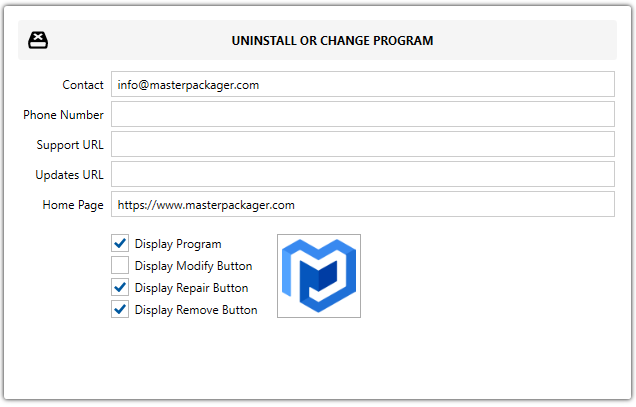
Contact and support fields
| Field | Description |
|---|---|
| Contact | Sets vendor contact information. |
| Phone Number | Sets the vendor phone number. |
| Support URL | Sets the vendor support URL. |
| Updates URL | Sets the vendor update URL. |
| Home page | Sets the vendor home page URL. |
Display options
| Option | Description |
|---|---|
| Display Program | Shows the application in Add/Remove Programs when enabled. |
| Display Modify Button | Shows the Change button when the application is selected. |
| Display Repair Button | Shows the Repair button when the application is selected. |
| Display Remove Button | Shows the Uninstall button when the application is selected. |
Icon options
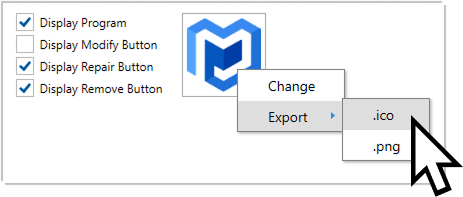
Click the icon to open the icon options.
| Option | Description |
|---|---|
| Export Icon | Exports the selected icon to .ico or .png. |
| Change Icon | Adds or changes the icon displayed for the MSI in Add/Remove Programs. Master Packager shows icons already stored in the MSI database, and Browse lets you open .ico, .exe, and .dll files to search for more icons. |
tip
If you do not have an icon for your enterprise application MSI, try opening %systemroot%\system32\setupapi.dll with the Master Packager icon browser.