Hex and Dec Value Editor
The Hex and Dec Value Editor helps you work with numeric values in MSI tables, especially for registry entries, permissions, and bit flags.
Master Packager shows both hexadecimal and decimal representations, so you do not need to convert values manually.
Keyboard shortcuts
| Shortcut | Result |
|---|---|
H | Show the value in hexadecimal. |
D | Show the value in decimal. |
How to use it
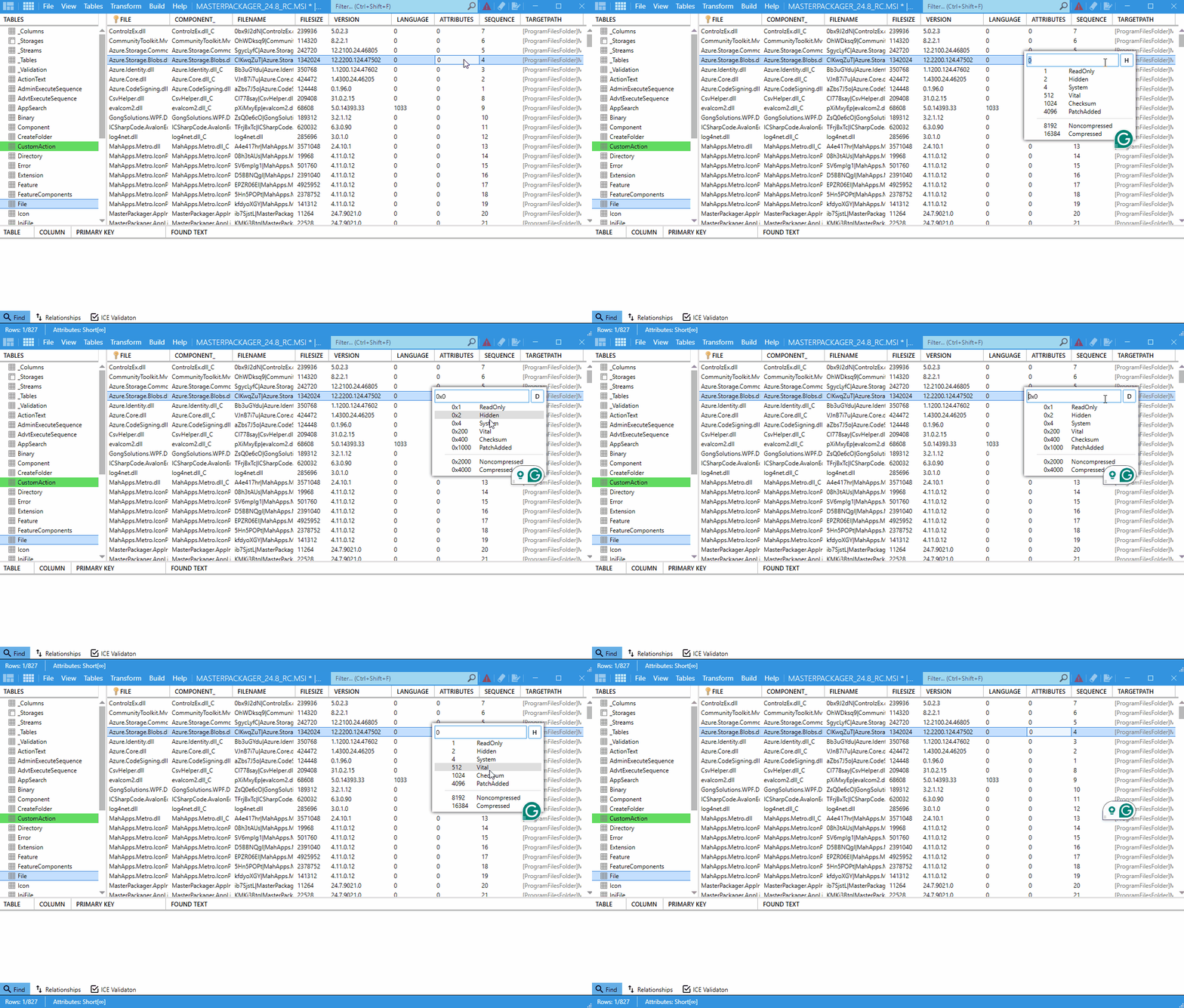
- Open your
MSIorMSTfile in Master Packager. - Go to a table that contains numeric fields, such as the
Filetable. - Locate the
Attributescolumn in the row you want to edit. - Double-click the cell in the
Attributescolumn. - Press
Hto show the value in hexadecimal orDto show it in decimal. - Edit the value and let Master Packager convert it automatically between both formats.
When to use it
Use this editor when you need to:
- Work with numeric fields stored as flags or attributes.
- Switch between hexadecimal and decimal without manual conversion.
- See how bit changes affect the full value.