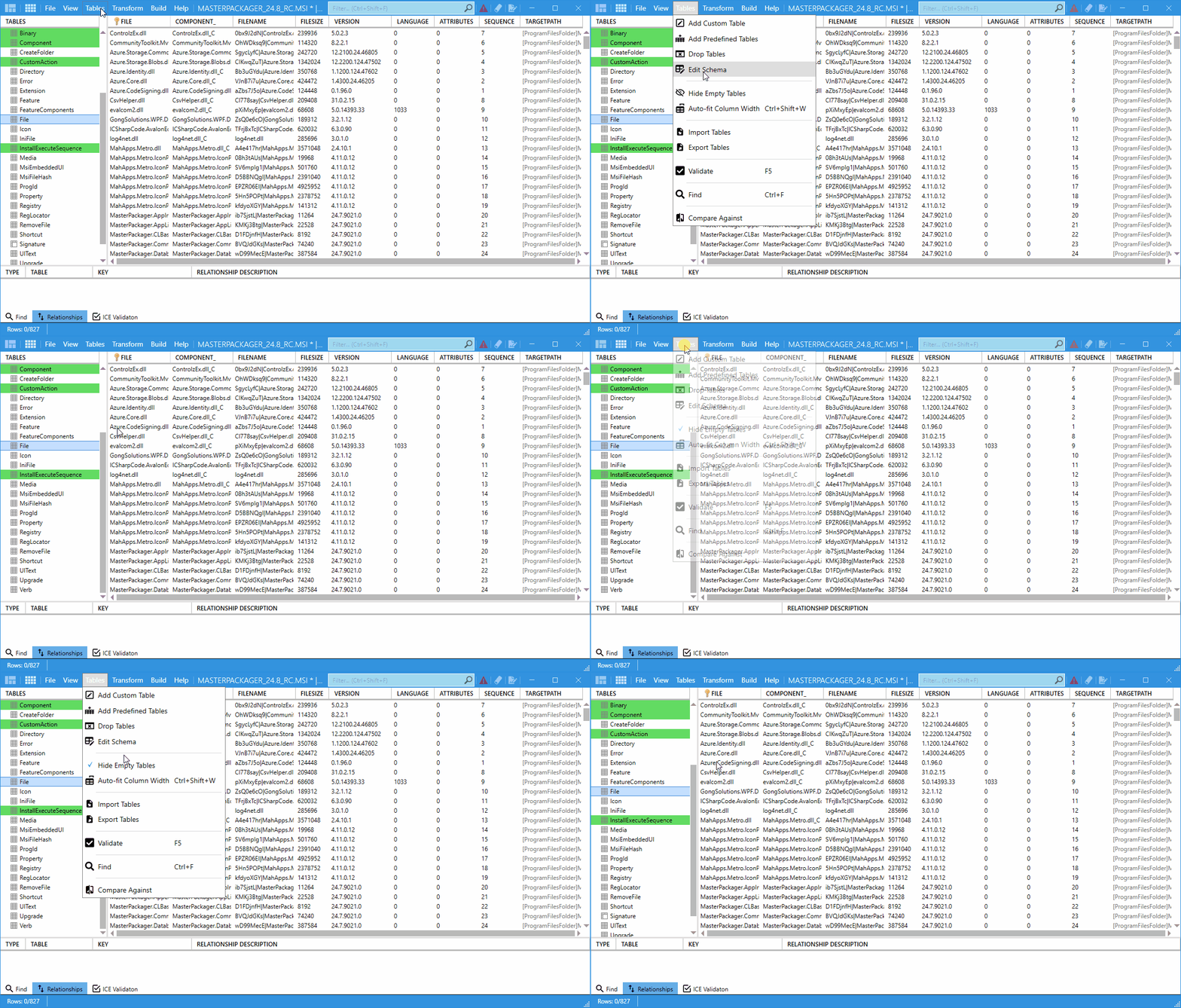
Hide Empty Tables
The Hide Empty Tables option removes tables with no rows from the Table Editor view. This makes navigation quicker and reduces clutter in large MSI packages.
When to use it
Use Hide Empty Tables when you:
- Work with large
MSIfiles that contain many tables. - Need to identify which tables contain data.
- Prefer a cleaner table list while editing.
How to use it
- Open your
MSIorMSTfile in Master Packager. - Go to the Table Editor.
- Enable Hide Empty Tables.
- Review only the tables that contain data.
- Disable Hide Empty Tables to show all tables again.