Online MSDN Help
The Online MSDN Help feature opens official Microsoft documentation for MSI tables, columns, and data types directly from Master Packager.
Use it when you need technical reference material without leaving the Table Editor.
What you can look up
- Table definitions.
- Column data types.
- Rules and constraints for
MSIdatabase entries. - Explanations of how tables interact.
How to use it
- Open your
MSIorMSTfile in Master Packager. - Go to the Table Editor.
- Locate the table or field you want more information about.
- Click Online MSDN Help for that table or column.
- Review the Microsoft documentation that opens in your browser.
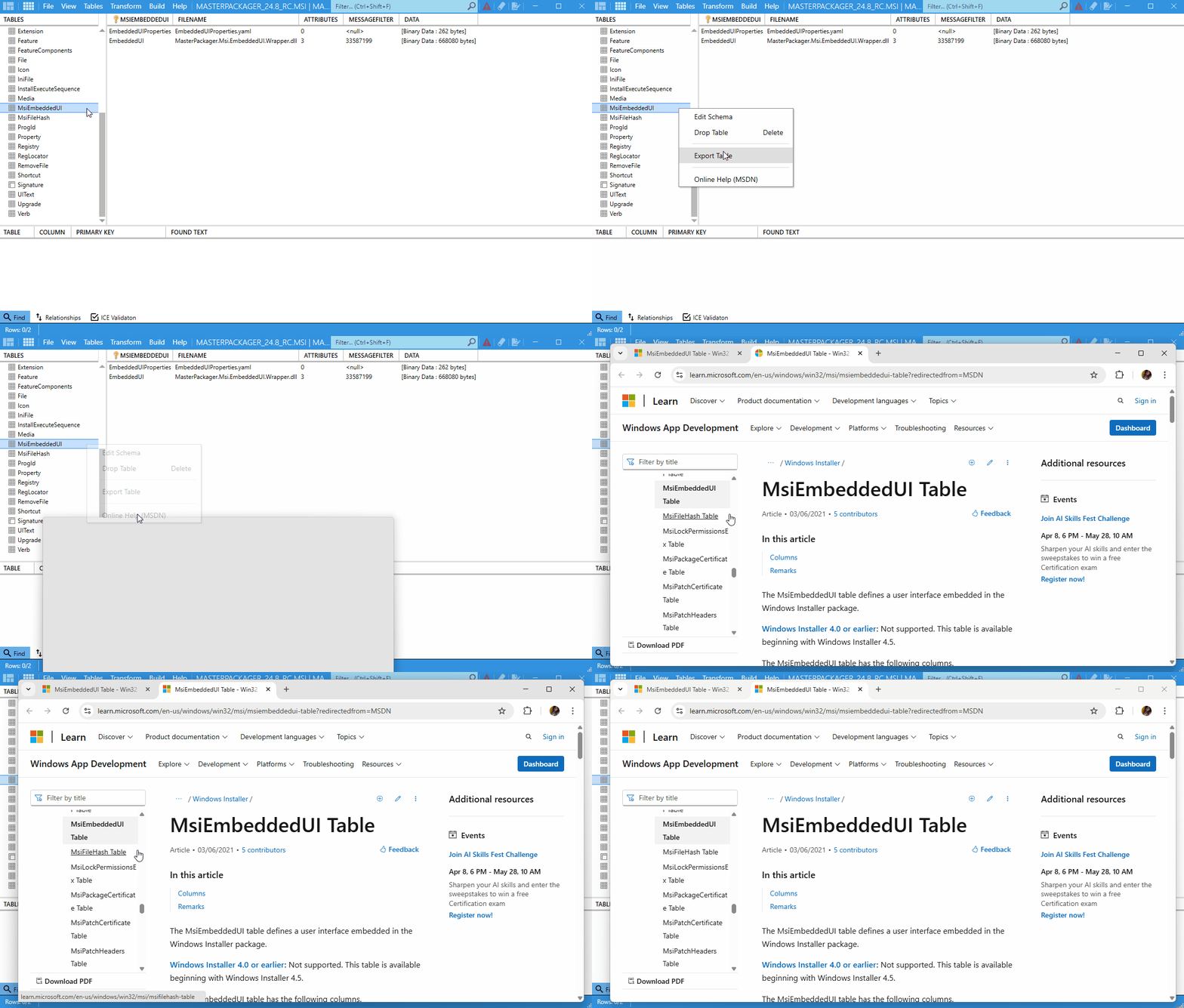
Example
For the Binary table, Master Packager provides a direct link to the MSDN page: MSDN - Binary Table