Table Filter
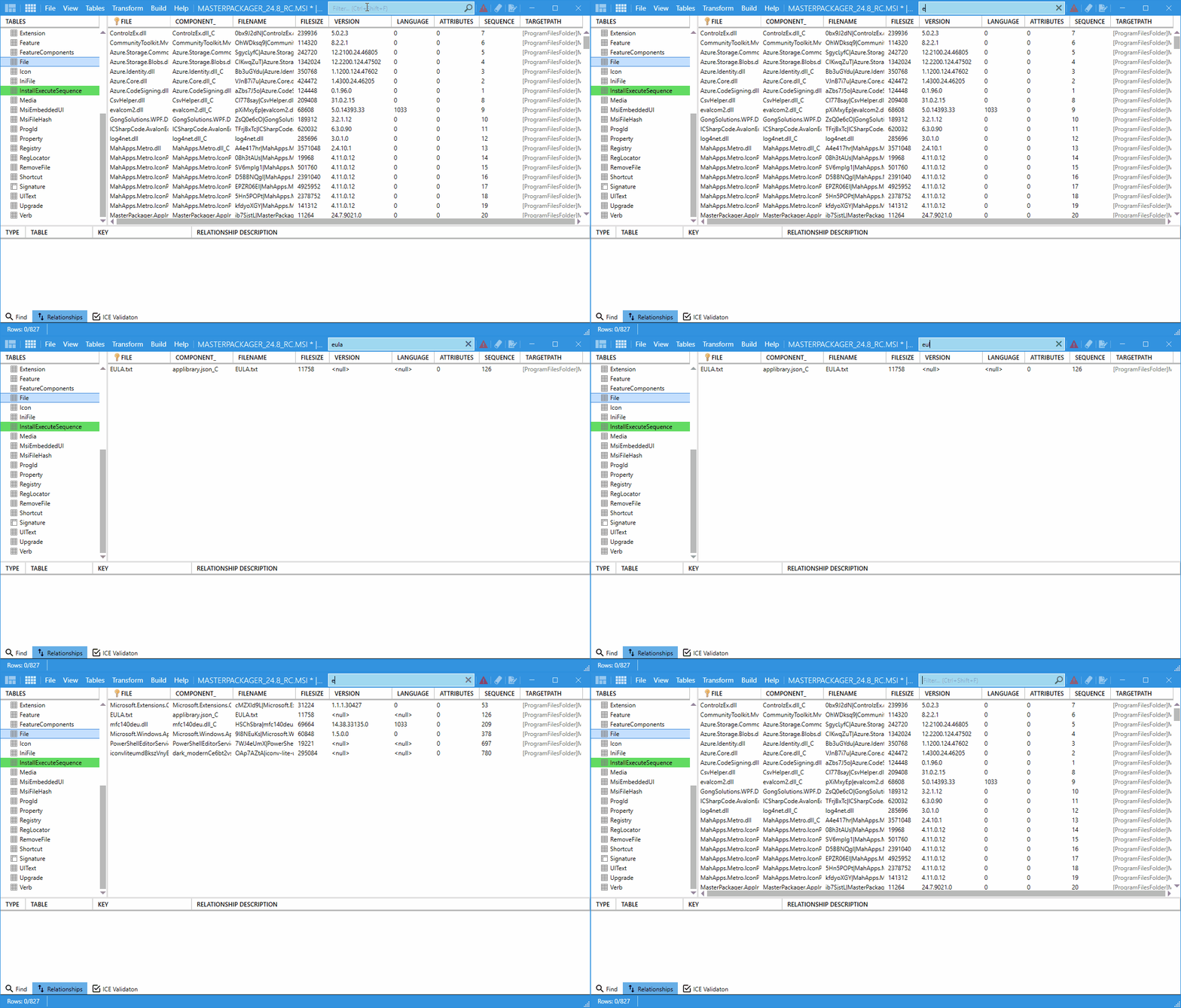
The Table Filter helps you find specific data in the currently selected table. It is especially useful when you work with large MSI tables.
Shortcut
Press Ctrl + Shift + F to focus the filter quickly.
How to use it
- Click inside a table in the Table Editor.
- Enter text in the Table Filter field above the grid.
- Review the rows that match the filter text.
- Clear the filter by deleting the text from the field.
note
The filter performs smoothly even in tables with more than 95,000 rows.