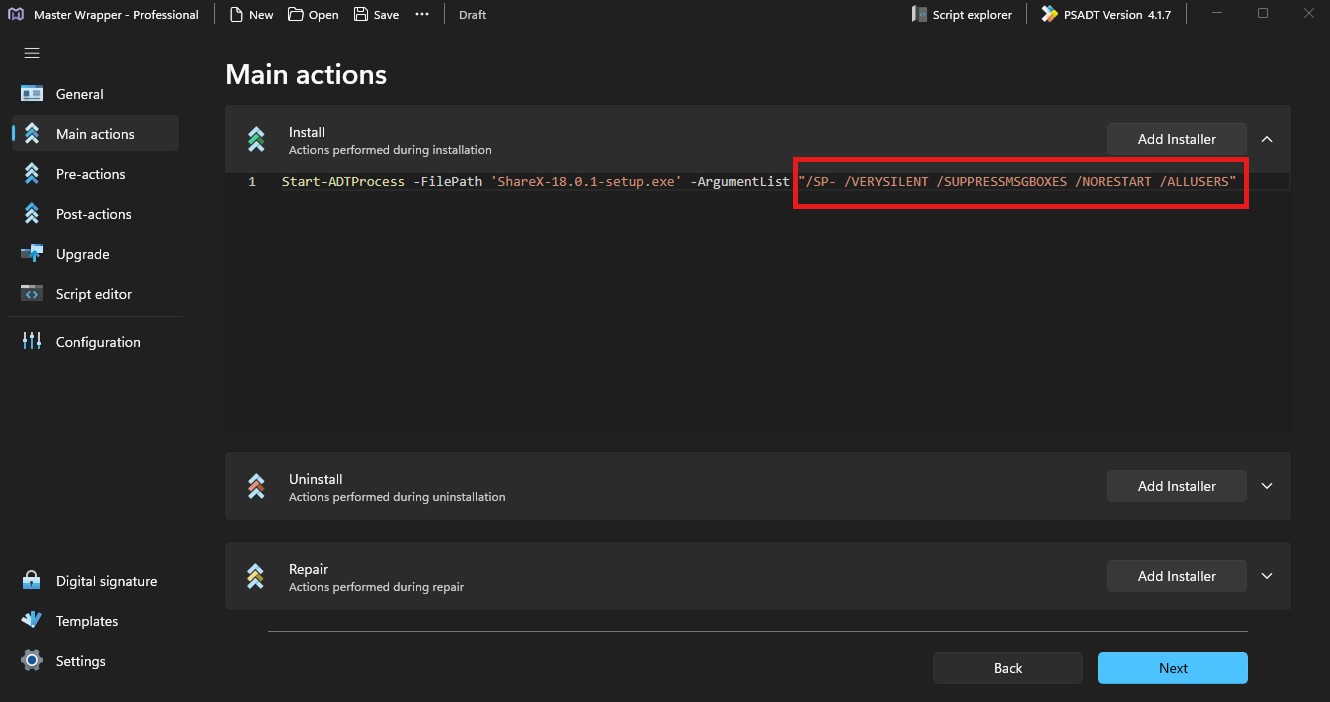
Main Actions
The Main Actions section defines what should happen during installation, uninstallation, and repair. You can add files manually or drag and drop them into the relevant area.
If an MSI is loaded in the General section, Master Wrapper fills these sections automatically.
Action areas
| Area | Description |
|---|---|
| Install | Actions performed during installation. This section usually contains the main installation command. |
| Uninstall | Actions performed during uninstallation. Use this area for commands that remove the application or its components. |
| Repair | Actions performed during repair. Use this area to restore or fix an existing installation without fully reinstalling it. |
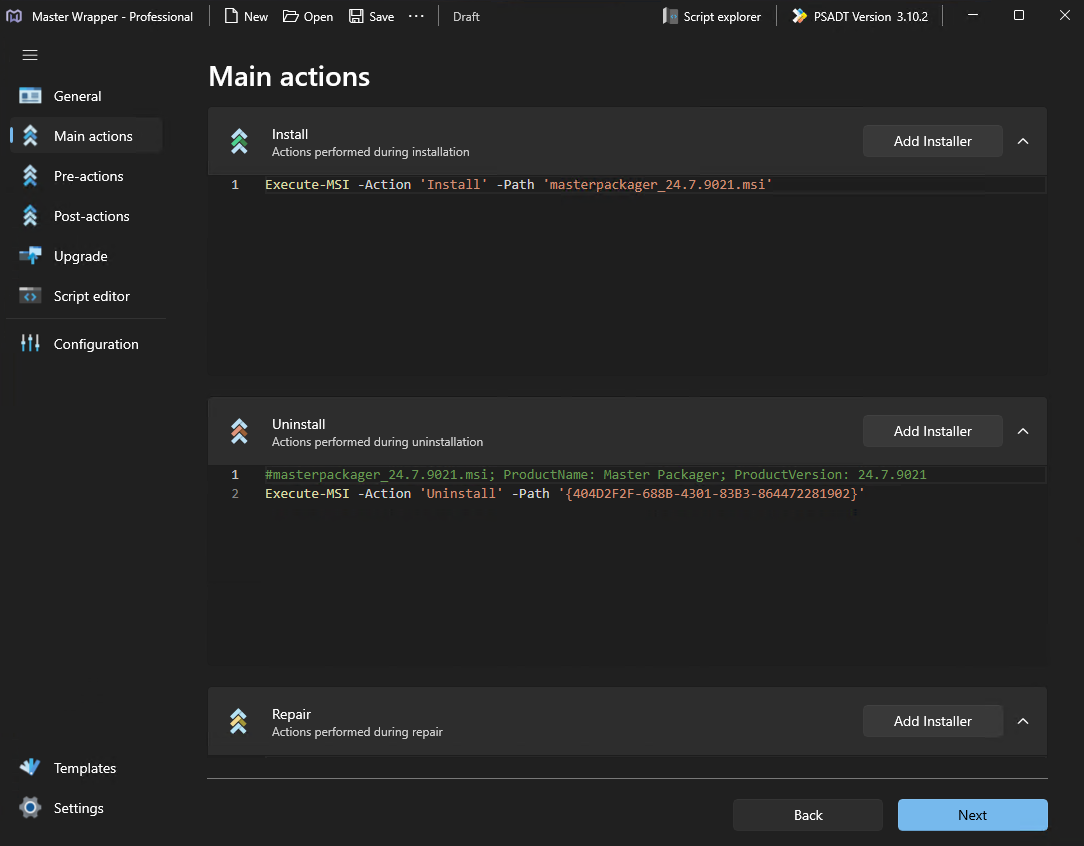
Automatic EXE Installer Detection
When you add an EXE installer to Install, Uninstall, or Repair, Master Wrapper detects the installer framework automatically and pre-fills silent parameters when they are available.
Supported installer frameworks:
- Inno Setup
- Install4j
- Install Builder (BitRock)
- InstallShield with embedded MSI
- Setup Factory
- NSIS
- WiX Toolset
- Squirrel